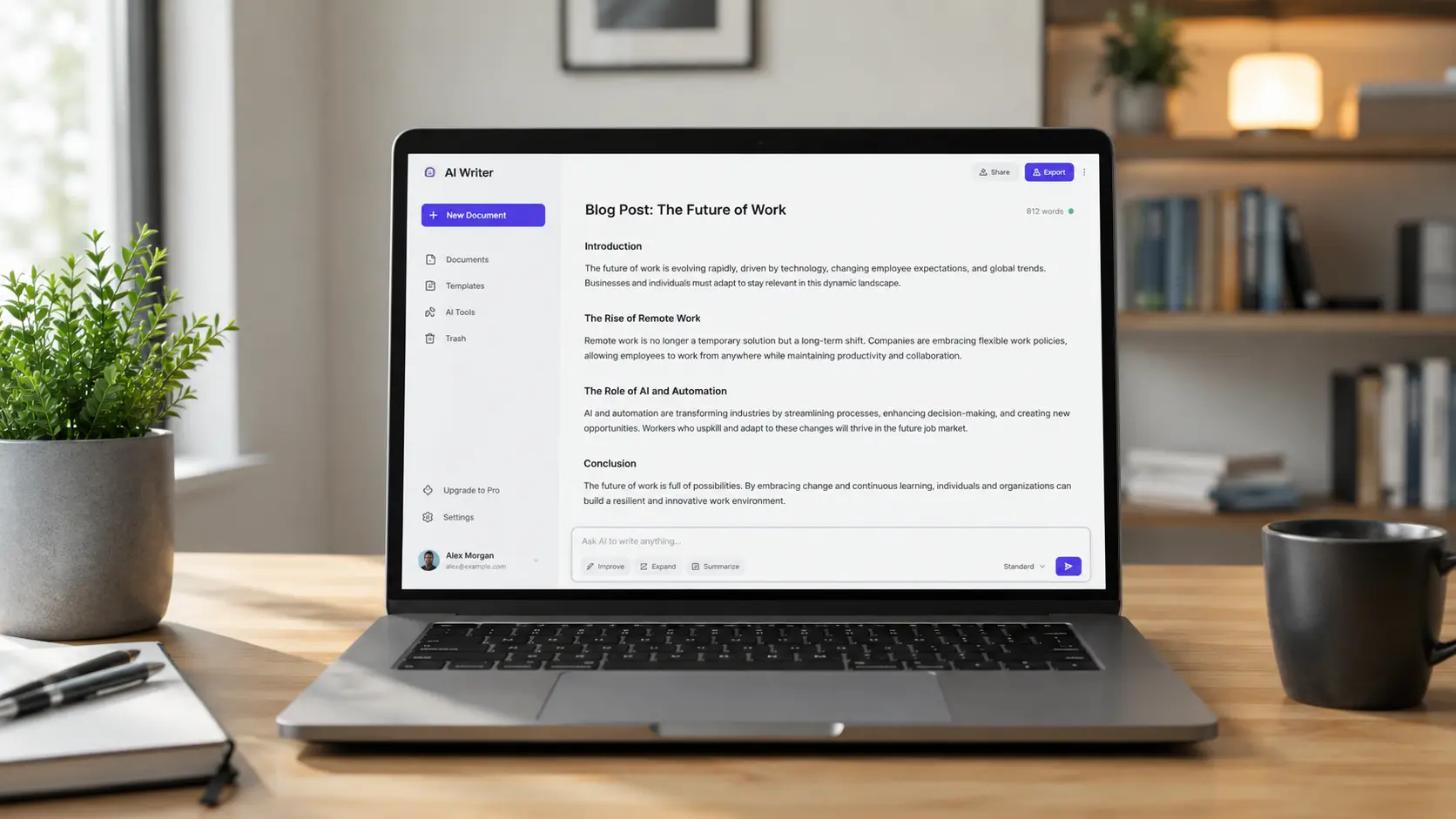
Let me be straight with you.
There are now more AI writing tools on the internet than most people can count. Every other week, something new launches with a flashy homepage promising to "revolutionize your content." Most of them will waste your time, produce robotic output, and leave you editing for longer than if you'd just written the thing yourself.
But a handful of them? Genuinely brilliant. And the best part — you don't need to spend a single dollar or pound to get real value from them.
I've spent time testing these tools as a regular writer — not a sponsored tech reviewer. Just someone who needs to produce good content faster without it sounding like it came off an assembly line. Here's the honest breakdown.
Why 2026 Is a Different Ballgame for AI Writing
If you tried AI writing tools two or three years ago and walked away unimpressed, I completely understand. Early versions were clunky, repetitive, and painfully obvious to spot.
But 2026 is a different story.
The models powering today's tools have been trained on an enormous volume of real human writing. They understand context, adapt to tone, catch nuance, and — when used correctly — produce output that genuinely sounds like a person wrote it.
For bloggers, freelancers, small business owners, and marketing teams across the US and UK, these tools are now saving serious hours every week. The free tiers alone are more powerful than most paid tools were just a few years ago.
What to Look for in a Free AI Writing Tool
Before jumping into the list, here's what actually matters:
Output quality — Does it sound like a real person, or like a corporate memo from 2009?
Free tier limits — Some tools give you 2,000 words a month and call it generous. That's one blog post. Look for tools that let you actually work.
Ease of use — You shouldn't need a YouTube tutorial just to write a paragraph.
Versatility — Can it handle blog posts, emails, social captions, and product descriptions? Or is it built for one thing only?
Tone control — Can you make it sound casual, professional, witty, or straightforward depending on what you need?
The Best Free AI Writing Tools in 2026
1. ChatGPT (Free Version) — Best All-Around
Still the one most people reach for first — and for good reason.
In 2026, ChatGPT's free tier is more capable than ever. It handles long-form writing, short punchy copy, brainstorming sessions, editing passes, and rewrites. The conversational interface is its biggest strength — you can go back and forth refining the output in real time, which feels natural and actually speeds up the writing process rather than adding steps.
For bloggers targeting US and UK audiences, it's your most flexible free option by a wide margin. Ask it to write in a casual British tone, then switch to a punchy American direct style for a different post — it adapts well.
Where it falls short: Without a paid plan, real-time internet browsing is limited. Always fact-check statistics and current data independently.
Best for: Bloggers, content marketers, and freelancers who need a reliable daily writing partner.
2. Google Gemini — Best for Research-Backed Writing
Gemini has matured significantly and in 2026 it sits comfortably as the best free option for writers who need current, accurate information baked into their content.
Because it's connected to Google's search infrastructure, it can pull in recent data, news, and facts rather than relying purely on a training cutoff. For personal finance blogs, tech roundups, or any content where accuracy and recency matter, that's a genuine advantage over most competitors.
The writing quality is clean and confident. It occasionally leans slightly formal, so you'll want to prompt it specifically to loosen the tone for lifestyle or casual content.
Best for: Writers covering finance, technology, health, or anything requiring up-to-date factual accuracy.
3. Claude (Free Version by Anthropic) — Best for Long-Form Content
Claude is the tool serious long-form writers keep coming back to in 2026.
It handles large documents exceptionally well. You can paste in a 3,000-word rough draft and ask it to tighten the flow, fix the tone, or cut the fluff — and it actually does it without losing the thread halfway through. That's something a lot of other tools still struggle with.
The writing Claude produces also tends to feel more natural than most competitors. Less padding, fewer filler phrases, better sentence rhythm. For blog posts that need to hold a reader's attention for eight to ten minutes, that matters.
Best for: Long guides, detailed how-to posts, in-depth reviews, and editing heavy drafts.
4. Rytr — Best for Beginners
If you're new to AI writing tools and want something that guides you through the process, Rytr remains one of the friendliest starting points in 2026.
Built-in templates cover blog posts, social media captions, email subject lines, product descriptions, and a solid range of other formats. You pick the use case, fill in some basic details, and get usable output in seconds.
It won't produce the most sophisticated writing on this list, but for someone just getting started — a small business owner writing their first blog, a freelancer exploring AI assistance for the first time — it removes the intimidation factor entirely.
Best for: Beginners and small business owners new to content creation.
5. Copy.ai — Best for Marketing Copy
Copy.ai built its reputation on short-form marketing copy and it's still very good at exactly that in 2026.
Product descriptions, ad headlines, email subject lines, landing page copy — it produces clean, punchy output that's closer to publish-ready than most tools manage. If you run an e-commerce store or a service business and need to write promotional content regularly, it fits naturally into that workflow.
Best for: E-commerce sellers, marketers, and small business owners writing short-form copy.
6. Perplexity AI — Best Research Companion for Bloggers
Perplexity isn't a writing tool in the traditional sense — it's an AI-powered research assistant. But for bloggers, that makes it one of the most valuable free tools available in 2026.
When you need real statistics, recent studies, or current market data to back up your content, Perplexity finds it and cites its sources. Use it to research your topic thoroughly, then take that foundation into ChatGPT or Claude to shape it into a readable, engaging article.
It's your research partner. Not your ghostwriter.
Best for: Fact-checking, finding statistics, sourcing credible references for blog posts.
7. Notion AI — Best for Writers Already in Notion
If Notion is already your workspace for content planning and drafting, the built-in AI feature is a seamless addition to your existing process.
It sits directly inside your pages, so you can rough-draft something and immediately ask the AI to improve it, summarize it, or shift the tone — without switching tabs or copying text between platforms. For writers who live in Notion, it removes friction in a way that standalone tools can't quite replicate.
Best for: Content creators who already use Notion as their primary workspace.
How to Use These Tools Without Sounding Like a Robot
This is where most people go wrong. They generate output, copy it, paste it, and publish. Then they're surprised when it reads like AI and gets no traction.
These tools are assistants, not replacements for your judgment. Here's how to use them properly:
Use AI for structure and drafts, not finished copy. Let it build the skeleton. Then rewrite key sections in your own voice. Add a personal story. Replace generic examples with real ones.
Give specific prompts. Don't say "write a blog post about credit cards." Say "write a conversational blog post for a UK audience aged 28-45 who are cautious about debt and want practical, honest advice about rebuilding their credit score." The detail transforms the output.
Edit aggressively. If a sentence could appear in any blog post on the internet, cut it or rewrite it. Generic content does not rank and does not get shared.
Add your own perspective. AI doesn't know your specific audience. You do. Inject opinions, observations, and examples that are genuinely relevant to your readers.
Read every draft aloud. If you trip over a sentence, your reader will too. Rewrite until it flows like natural speech.
What About Google? Will AI Content Hurt Your Rankings?
Honest answer: no — not if the content is genuinely good.
Google has been consistent in 2026 on this point. It doesn't penalize content for being AI-assisted. It penalizes content that is low quality, thin, and unhelpful — regardless of how it was produced.
Well-written, accurate, and genuinely useful content can rank perfectly well whether AI helped create it or not. The problem is mass-produced, generic filler content. That's what gets filtered out.
Use these tools to help you write better content faster. Don't use them to flood your site with pages that say nothing.
Final Thoughts
The best free AI writing tool in 2026 is the one that actually fits your workflow and your content goals. Long-form blogger? Start with Claude or ChatGPT. Need research support? Run Perplexity alongside whichever writer you choose. Marketing copy for a small business? Copy.ai is hard to beat for free.
None of them replace the thinking, judgment, and voice that make content worth reading. But used smartly, they can genuinely cut your writing time in half — while keeping the quality high enough that your readers never notice the difference.
That's the goal. Faster writing. Better content. Still sounds like you.

The Editorial Team
We are a collective of tech enthusiasts and digital experts dedicated to making sense of the evolving digital landscape for our global audience.
Connect With Us
0 Perspectives