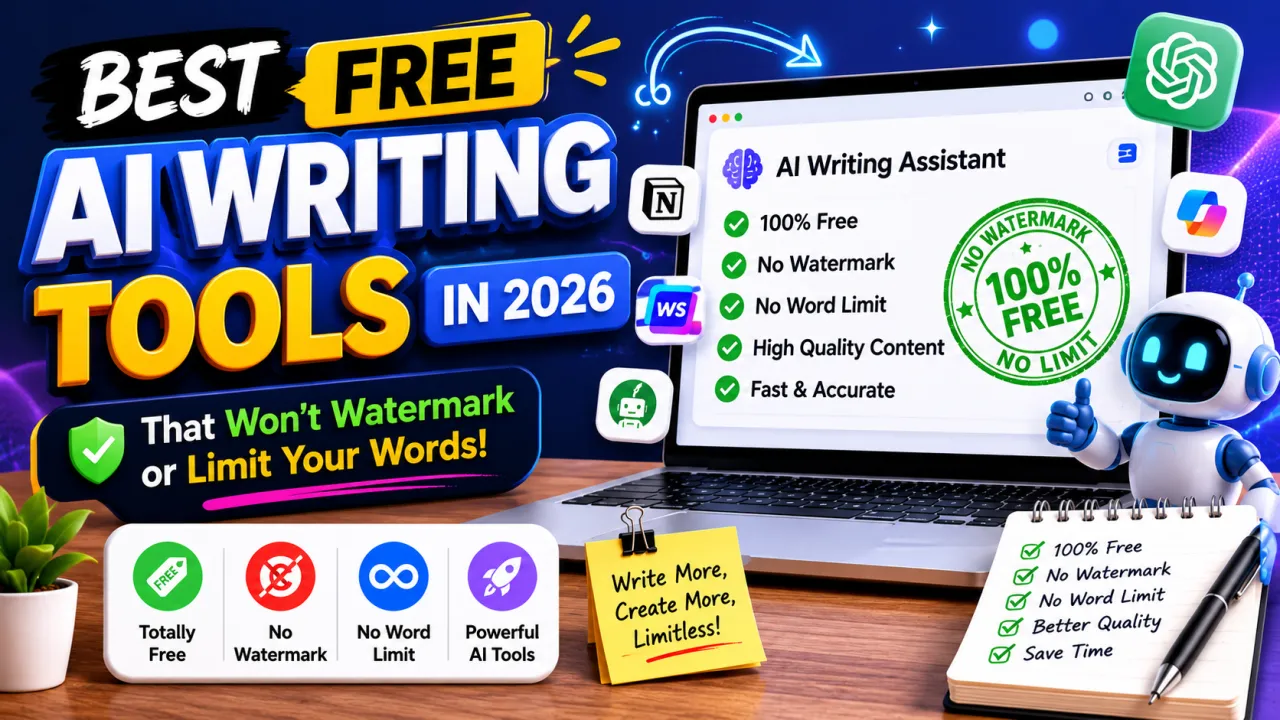
AI writing tools have exploded. There are now hundreds of them — and most follow the same tired pattern: offer a tempting free tier, hit you with a word limit almost immediately, then push you toward a $20–$40/month subscription.
This guide focuses on the tools that actually give you meaningful free access — and what each one is genuinely best for, based on real use.
1. ChatGPT (Free Plan) — Best All-Rounder
The free version of ChatGPT (GPT-4o mini) is genuinely useful for a wide range of writing tasks. It handles blog posts, emails, brainstorming, editing, and summarization well. The free tier has no word limits per se, though there are usage rate limits during peak times.
Best for: General writing tasks, brainstorming, editing, Q&A Limitations: No browsing or image generation on free plan (as of mid-2026; check for updates) Verdict: Start here if you haven't already
2. Claude (Free Plan) — Best for Long Documents
Claude's free tier is particularly strong for tasks involving long context — editing a full essay, summarizing a lengthy document, or maintaining consistency across a multi-section article.
Best for: Editing, long-form writing, document analysis Limitations: Daily message limits on free plan Verdict: Excellent complement to ChatGPT; noticeably better at following nuanced instructions
3. Google Docs + Gemini — Best for Integrated Writing
If you already write in Google Docs, Gemini's integration is seamlessly useful. Highlight text and ask it to rewrite, expand, or summarize directly in the document. No switching tabs.
Best for: Writers who live in Google Docs Limitations: Requires a Google account; some Gemini features require Workspace subscription Verdict: The integration is the value — it removes friction from the editing process
4. Grammarly (Free Plan) — Best for Editing and Polish
Grammarly's free tier handles grammar, spelling, punctuation, and clarity checks in real time. It works across your browser, Google Docs, and Microsoft Word.
It's not a content generator, but as an editing layer it's unmatched in its free tier. The suggestions are well-explained and teach you the rule, not just the fix.
Best for: Polishing any writing before publishing or sending Limitations: Tone and readability features are premium-only Verdict: Essential — use it on everything
5. Hemingway Editor — Best for Readability
Web-based, free, no sign-up. Paste your writing in and it highlights complex sentences (yellow), very complex sentences (red), adverbs (blue), and passive voice (green).
For anyone who tends to write in long, winding sentences (academics, native corporate-speak writers), Hemingway is humbling and useful.
Best for: Academic writing, business writing, anything that needs to be more direct Limitations: Doesn't generate — only evaluates Verdict: Use it after your first draft; invaluable for clarity
6. Notion AI (Limited Free Access) — Best for Notes-Based Writing
If you use Notion for notes, its AI integration can expand bullet points into full paragraphs, create first drafts from notes, summarize long pages, and generate action items from meeting notes.
Best for: Knowledge workers, students, note-takers Limitations: Limited free AI credits; requires Notion workspace Verdict: High value if you're already in the Notion ecosystem
7. Perplexity AI — Best for Research-Backed Writing
Perplexity AI is a search-powered AI that cites its sources in real time. For writing that needs to be factually grounded — journalism, research summaries, fact-heavy blogs — it's significantly more trustworthy than tools that generate from training data alone.
Best for: Research, writing with facts, current events Limitations: Not ideal for creative writing Verdict: The most useful free tool for non-fiction writing that requires accuracy
8. QuillBot (Free Plan) — Best for Paraphrasing
QuillBot is the go-to for paraphrasing and sentence restructuring. The free version offers multiple modes (Standard, Fluency) and a reasonable character limit per session.
Best for: Rewriting sentences, avoiding repetition, academic paraphrasing Limitations: Word limit on free plan; most advanced modes are premium Verdict: Best in class for its specific use case
Choosing the Right Combination
You don't need to use all of these. Most people find a combination of 2–3 that covers their workflow:
For bloggers: ChatGPT (drafting) + Grammarly (editing) + Hemingway (readability) For students: Claude (analysis/editing) + Perplexity (research) + Grammarly (proofreading) For business writing: Gemini in Google Docs (drafting) + Grammarly (polish) + Hemingway (clarity check)
All of the above combinations cost exactly nothing.
A Realistic Expectation
Free AI writing tools are assistants, not replacements. The best content still requires a human to direct, edit, and inject genuine insight and experience that AI can't manufacture.
What these tools remove is the blank-page problem, the time spent on repetitive editing, and the need to context-switch during a writing session. Used well, they make good writers faster — not obsolete.
The Editorial Team
We are a collective of tech enthusiasts and digital experts dedicated to making sense of the evolving digital landscape for our global audience.
Connect With Us
0 Perspectives