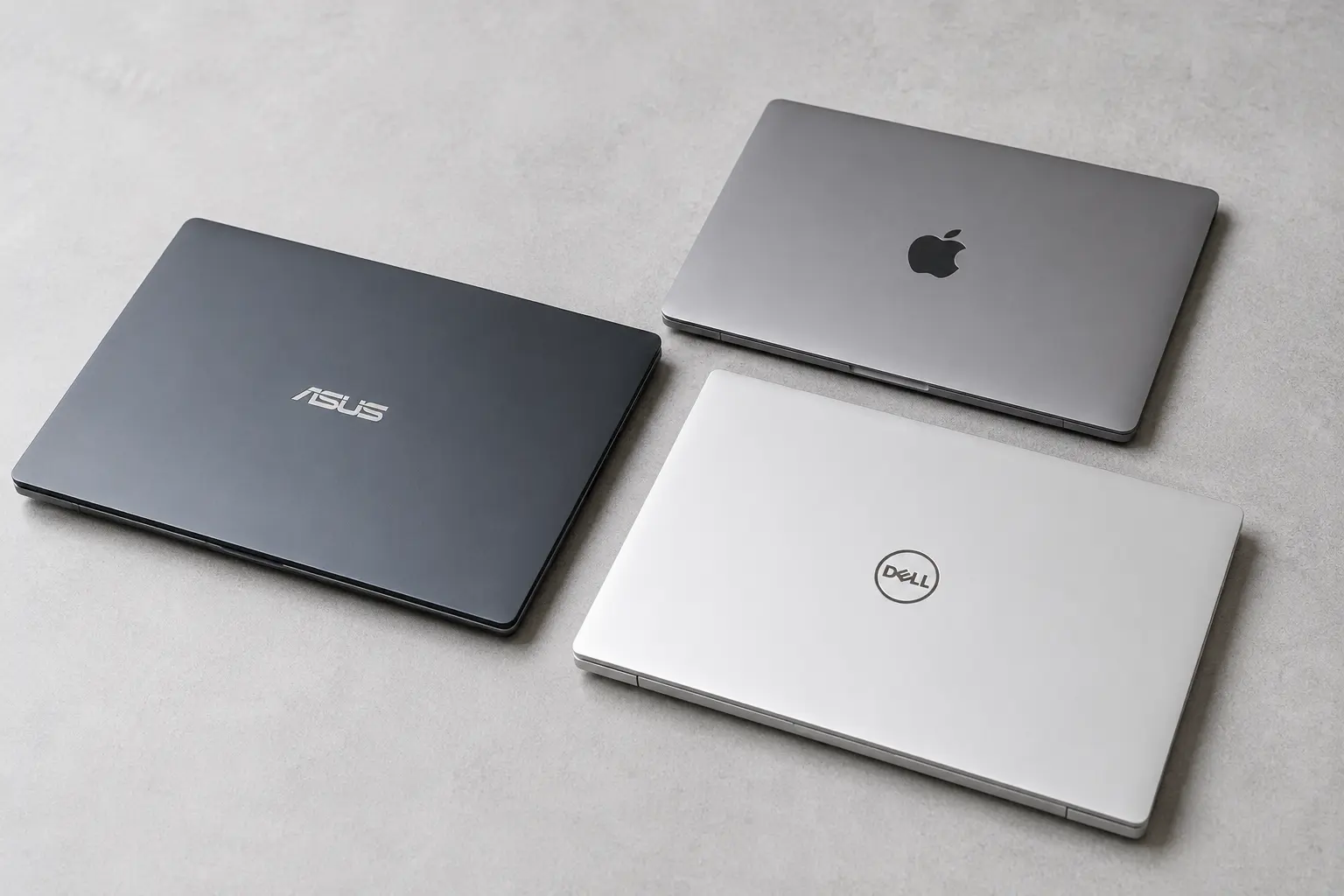
There's a persistent myth in the laptop market that you need to spend $1,000 or more to get a machine worth owning.
It's a myth that benefits laptop manufacturers enormously. It's also demonstrably untrue in 2026.
The sub-$500 laptop market has transformed over the past few years in ways that genuinely matter to real people. Processors that were considered premium just three years ago are now standard at this price point. Battery life that used to require a premium has become expected. Build quality that once separated budget from mid-range has closed the gap considerably.
This doesn't mean every cheap laptop is good. There are still plenty of machines in this price range that will frustrate you within six months — slow processors that choke on browser tabs, displays that make your eyes hurt after an hour, batteries that barely last a morning, keyboards that feel like typing on a damp sponge.
The difference in 2026 is that you no longer have to accept those compromises. If you know what to look for — and what to avoid — you can find a genuinely capable laptop for under $500 that will serve a student or remote worker well for three to four years.
That's exactly what this guide is going to help you do.
What Actually Matters in a Sub-$500 Laptop
Before we get into specific recommendations, let's talk about what you should actually prioritise — because the spec sheet marketing on budget laptops is particularly misleading.
Processor — The Most Important Decision
The processor determines more about your day-to-day experience than any other single component. A slow processor means everything feels sluggish — not just demanding tasks, but switching between browser tabs, opening apps, loading documents. The frustration compounds over time.
In 2026, here's the landscape at the sub-$500 price point:
AMD Ryzen 5 and Ryzen 7 series — Consistently excellent value at this price point. The Ryzen 5 7530U, 7535U, and similar chips offer strong performance for everyday tasks, document work, video calls, light photo editing, and multitasking with multiple browser tabs open. These are genuinely capable processors, not compromises.
Intel Core i5 (12th and 13th generation) — Still competitive and widely available in this price range. Solid all-round performance for typical student and remote work tasks.
Intel Core i3 — Generally adequate for very light use but can feel limiting when multitasking. Acceptable if the price is right and your usage is genuinely light — email, documents, basic web browsing.
Avoid: Intel Celeron and Pentium processors. These are budget chips that were already behind when they launched and will feel painfully slow within a year. They appear in cheap laptops to hit a low price point and they are not worth the saving. Similarly, avoid older AMD A-series processors which represent the same false economy.
Also avoid: Chromebooks with ARM-based processors if you need to run Windows software. Great for specific use cases, problematic if you need full application compatibility.
RAM — 8GB Is the Minimum, 16GB Is Better
8GB of RAM is the minimum for a usable Windows laptop in 2026. With 8GB you can run a reasonable number of browser tabs alongside a document and a video call without things grinding to a halt — but it gets tight.
16GB is meaningfully better. If you can find a laptop with 16GB at your budget, prioritise it. The difference in day-to-day multitasking is noticeable.
4GB of RAM is completely inadequate for Windows 11 in 2026. Any laptop with 4GB should be avoided regardless of how attractive the price looks.
Storage — SSD Is Non-Negotiable
An SSD (solid state drive) makes a dramatic difference to how responsive a laptop feels. Boot times, app launch times, file opening — everything is faster with an SSD compared to a traditional hard drive.
In 2026, virtually all laptops in the $400-500 range include SSDs. But watch out at the very bottom of the price range — some machines still ship with traditional hard drives or hybrid configurations to hit a low price point. If you see "HDD" in the specifications, walk away.
256GB of SSD storage is the minimum you'll want. 512GB is better — documents, downloads, applications, and photos add up faster than most people expect. If cloud storage is part of your workflow (OneDrive, Google Drive, Dropbox), 256GB is workable.
Display — Often the Biggest Compromise at This Price
Budget laptops frequently save money on the display and this is where many of them let themselves down. Common issues include:
- Low brightness that makes the screen hard to see in anything other than a dim room
- Poor colour accuracy that makes photos and videos look washed out
- Low resolution — 1366x768 is genuinely too low in 2026 and makes everything look soft
- Narrow viewing angles that make the screen look dim or colour-shifted when viewed from any angle other than directly head-on
What to look for: Full HD (1920x1080) resolution minimum. IPS panel technology for better colour and viewing angles. Brightness of at least 250 nits — 300 nits or above is better if you'll ever use the laptop near a window.
Battery Life — Under-Reported and Over-Promised
Manufacturer battery life claims are almost always optimistic — often measured at minimum brightness doing nothing demanding. Real-world battery life is typically 60-75% of the claimed figure.
For students going between classes or remote workers who occasionally work away from a plug, aim for laptops with claimed battery life of 8 hours or more — which translates to 5-7 hours of real-world use. Anything below 6 hours claimed is going to feel limiting in practice.
Build Quality — Good Enough vs Good
You won't get a magnesium alloy chassis or MIL-SPEC durability testing at this price point. What you should expect is a laptop that doesn't feel like it will crack if you close it too firmly — a machine that can go in a bag, come out at a coffee shop or library, and survive daily use without feeling fragile.
Pay attention to keyboard quality — it's what you interact with for hours every day. Hinge quality matters too — loose hinges that wobble when you type are a sign of poor construction that tends to get worse over time.
The Best Laptops Under $500 in 2026
1. Acer Aspire 5 — Best Overall Under $500
The Acer Aspire 5 has occupied the top spot on best budget laptop lists for years, and in 2026 the current generation continues to earn that position.
The reason is simple: it consistently offers better specifications for the money than most of its competitors. The configurations available in the sub-$500 range typically include AMD Ryzen 5 or Ryzen 7 processors, 8GB or 16GB of RAM, 512GB SSD storage, and a Full HD IPS display — a combination that's genuinely difficult to beat at this price.
The display is one of the Aspire 5's strongest suits. The IPS panel offers decent colour reproduction and viewing angles that hold up well for side-by-side work with a colleague or watching video content. Brightness is adequate for indoor use, though it can struggle in very bright conditions near windows.
The keyboard is comfortable for extended typing sessions — a genuine priority for students writing essays and remote workers in document-heavy roles. The trackpad is reliable and accurate.
Battery life in real-world use lands around 6-8 hours of mixed productivity work — enough to get through a full day of classes or a standard office day without hunting for a plug. Not class-leading but perfectly adequate.
The build quality is plastic but solid. It's not a machine that will impress anyone with its aesthetics, but it doesn't feel cheap or fragile in daily use.
Who it's for: Students and remote workers who want the best combination of performance, display quality, and storage for under $500. If you want one recommendation and don't want to overthink it, this is it.
What to watch: Configuration options vary significantly between retailers. Always check the specific processor, RAM, and storage in the listing you're buying — Acer sells multiple Aspire 5 variants and the cheapest configurations are less compelling than the mid-range ones.
2. Lenovo IdeaPad Flex 5 — Best 2-in-1 Under $500
If you want the flexibility of a laptop and a tablet in one device — useful for students who annotate lecture slides or remote workers who present from their machine — the Lenovo IdeaPad Flex 5 is the best option in this price range.
The 360-degree hinge lets you fold the laptop into tablet mode, tent mode for presentations, or stand mode for media consumption. A touchscreen comes standard, and stylus support (though the stylus is typically sold separately) makes annotation and note-taking natural in tablet mode.
Performance is solid — AMD Ryzen 5 configurations in the sub-$500 range handle productivity work without complaint. The Full HD IPS display is one of the better screens in this price category, with good brightness and colour accuracy for the money.
The keyboard is good for a 2-in-1 — often a category where keyboard quality suffers in favour of the convertible design — and the trackpad is reliable.
Battery life is competitive, typically landing around 7-9 hours of mixed use. The machine is reasonably light for a 2-in-1, making it comfortable to carry between locations.
Who it's for: Students who want to take handwritten notes and annotate documents digitally. Remote workers who present from their laptop and want the flexibility of different usage modes. Anyone who wants a touchscreen and convertible form factor without spending 2-in-1 premium prices.
What to watch: Make sure the configuration you're buying includes an AMD Ryzen 5 or better — Intel Core i3 versions exist at lower price points and the performance difference is meaningful.
3. HP Laptop 15 (AMD Version) — Best for Pure Everyday Reliability
HP's mainstream 15-inch laptops have a reputation for reliability that comes from selling millions of units to students, families, and small businesses. The AMD-powered version of the HP Laptop 15 in 2026 continues that tradition with solid everyday performance and HP's typically reliable build quality.
AMD Ryzen 5 configurations in the sub-$500 range offer performance that handles the full range of typical student and remote worker tasks comfortably — document work, video calls, spreadsheets, research in multiple browser tabs, light photo editing. Nothing here will surprise you, and that's actually the point.
The display is functional rather than impressive — Full HD resolution but brightness and colour accuracy that's adequate rather than excellent. For document work and video calls it's fine. For colour-critical creative work it shows its limitations.
The keyboard is comfortable and well-spaced for a budget machine, and HP has maintained reasonable keyboard quality even at this price point — something that's more variable among competitors.
The HP Laptop 15 is not the most exciting machine on this list. It will not make anyone reach for their phone to take a photo of it. But it works reliably, HP's support network is extensive across the US, and when something does go wrong — which happens with any laptop eventually — HP's warranty service is generally well-regarded.
Who it's for: Students who want a reliable workhorse from a brand their parents trust. Remote workers who want straightforward performance without any frills. People who prioritise reliability and support over cutting-edge specifications.
What to watch: HP sells a lot of similar-sounding laptops with different configurations. The Intel versions with Core i3 processors are less compelling than the AMD Ryzen versions. Filter specifically for AMD configurations when shopping.
4. ASUS VivoBook 15 — Best Display Quality Under $500
If display quality is your priority — you spend long hours in front of your screen and eye strain is a genuine concern — the ASUS VivoBook 15 deserves serious consideration.
ASUS has historically put more effort into display quality on their VivoBook line than most budget laptop manufacturers, and in 2026 the current generation continues that tradition. The Full HD IPS display offers noticeably better colour accuracy and brightness than the average budget laptop display — a difference you'll feel after an hour of use and genuinely appreciate after a full day.
The ASUS OLED versions — available in some VivoBook models at the upper end of the sub-$500 range when on sale — deliver display quality that's genuinely impressive at any price. OLED panels offer deeper blacks, more vibrant colours, and better contrast than any IPS screen at this price can match. If you can find an OLED VivoBook configuration within your budget, it's worth prioritising.
Performance from AMD Ryzen 5 or Intel Core i5 configurations is solid for all standard productivity tasks. The keyboard is comfortable with a good key travel that makes extended typing sessions less fatiguing than average budget keyboard.
The build quality has a slightly premium feel compared to similarly priced competitors — thinner bezels around the display make it look more modern than machines with chunky frames that scream "budget laptop" at a glance.
Who it's for: Students and remote workers who spend long hours at their screen and want the best display experience available under $500. Creative students who need better colour accuracy for design, photography, or video work. Anyone who's experienced eye strain from poor displays and wants to prioritise visual comfort.
What to watch: Battery life on some VivoBook configurations is shorter than the Acer Aspire 5 or Lenovo IdeaPad. Check the specific model's battery rating before buying if longevity away from a plug is important to your use case.
5. Acer Chromebook Spin 514 — Best for Students Who Live in Google's Ecosystem
Before dismissing Chromebooks as underpowered compromises, let's be clear about who they actually suit in 2026 — because for the right student or remote worker, they're genuinely excellent value.
A Chromebook makes complete sense if:
- Your work lives primarily in Google Workspace — Docs, Sheets, Slides, Gmail, Meet
- You don't need to run Windows-specific software
- You're a student whose school or university is Google-based
- You value simplicity, security, and battery life over application flexibility
The Acer Chromebook Spin 514 is one of the best Chromebooks available under $500. It features a metal build that feels significantly more premium than its price suggests, a 360-degree hinge for tablet and tent modes, a touchscreen, and AMD Ryzen processors that make it one of the most capable Chromebooks in terms of raw performance.
ChromeOS has continued to mature — Android app support is solid, Linux app support is available for developers, and the built-in security model means you're essentially immune to the malware and performance degradation that plagues Windows laptops over time.
Battery life is exceptional — often 10-12 hours of real-world use. The machine stays fast because ChromeOS is lightweight and efficient. It starts up in seconds and stays responsive for years.
Who it's for: Students whose coursework lives in Google Workspace. Remote workers in companies running Google Workspace. Anyone who wants maximum simplicity, security, and battery life without needing Windows application compatibility.
Who it's not for: Anyone who needs Microsoft Office desktop apps (web versions work, but they're not identical), specialist software like Adobe Premiere desktop, engineering software, or full gaming capability.
6. Microsoft Surface Laptop Go 3 — Best Premium Feel Under $500 (On Sale)
The Surface Laptop Go 3 typically sits just above $500 at retail, but it regularly appears on sale — particularly around back-to-school season, Black Friday, and other promotional periods — at prices that bring it within budget.
When it hits the sub-$500 mark, it's worth serious consideration because it offers something genuinely rare at this price point: a premium build quality and design that makes you feel good using it every day.
The Surface Laptop Go 3 is compact, light, and beautifully built. The keyboard is one of the best available on any laptop at any price — a claim that sounds hyperbolic but is consistently echoed by reviewers and users alike. The display is sharp and colour-accurate. The overall package has a refinement that no other sub-$500 laptop matches.
The trade-offs: performance from the Intel Core i5 processor is solid but not exceptional compared to AMD alternatives. Storage options at the entry price point are limited. There's no SD card slot and only two USB ports, which can require a hub for students with lots of peripherals.
Who it's for: Students and remote workers who spend a lot of time in coffee shops, libraries, and public spaces and care about having a machine that looks and feels premium. Writers and anyone for whom keyboard quality is a genuine priority.
What to watch: Only consider this when it's genuinely on sale below $500. At full retail price the value equation is less compelling compared to the Acer Aspire 5.
7. Lenovo ThinkPad E14 — Best for Remote Workers Who Need Reliability Above All
The ThinkPad line has been synonymous with business reliability for decades, and the E-series brings that reputation to a more accessible price point.
For remote workers — particularly those who've been burned by unreliable budget laptops in the past and need a machine they can count on for professional work — the ThinkPad E14 offers peace of mind that consumer-focused budget laptops can't quite match.
The keyboard is exceptional by budget laptop standards — ThinkPad keyboards are legendary among professional users and the E14 upholds that reputation. Key travel, feedback, and accuracy make extended document and code-writing sessions genuinely comfortable in a way that most budget machines don't achieve.
Build quality is business-grade — the E14 is MIL-SPEC tested for durability against drops, temperature extremes, humidity, and vibration. It won't feel fragile in your bag and it won't develop the wobbles and creaks that budget plastic laptops often develop within a year or two.
AMD Ryzen 5 configurations in the sub-$500 range (available when on sale or through business channels) offer solid performance for all standard professional tasks.
Who it's for: Remote workers for whom laptop reliability is a professional requirement. Anyone who types a lot and wants the best keyboard available at this price. People who've had bad experiences with budget consumer laptops and want the durability of business-grade construction.
What to watch: The ThinkPad E14 is occasionally available under $500 through Lenovo's direct site (which frequently runs significant discounts), business purchasing programmes, or during promotional sales. At full retail it often sits above the $500 threshold.
What to Avoid — Red Flags When Shopping Under $500
Now that we've covered what's worth buying, here's a clear list of what to avoid:
Intel Celeron or Pentium N-series processors. These appear in cheap laptops to hit a low price point. They will be painfully slow for any meaningful use and you will regret the purchase.
4GB of RAM. Completely inadequate for Windows 11 in 2026. Not worth buying at any price.
1366x768 (HD) resolution displays. This resolution looks noticeably soft and dated on a 15-inch screen. Full HD (1920x1080) is the minimum worth accepting.
Traditional hard drives (HDD). If you see this in the specifications, the laptop will feel slow regardless of how capable the processor is. SSD is non-negotiable.
Unknown or no-name brands without US support. If something goes wrong with a no-brand laptop, getting it repaired or replaced can be a nightmare. Stick with brands that have established US customer support and warranty service.
Refurbished laptops without verified warranties. Refurbished can be excellent value from certified sellers — Microsoft Certified Refurbished, Dell Certified Refurbished, Apple Certified Refurbished. Unverified refurbished machines from random sellers without clear warranty terms are a gamble that rarely pays off.
Where to Buy — Getting the Best Price
Amazon — Wide selection, competitive pricing, easy returns. Watch for third-party sellers on new laptops — buying directly from the brand's Amazon storefront or Amazon itself is safer than random third-party listings.
Best Buy — Good for seeing machines in person before buying. Price-matches competitors. Student discounts available.
Walmart and Target — Occasionally offer competitive prices on specific models, particularly during back-to-school season.
Manufacturer direct — Lenovo, HP, Acer, and ASUS all sell directly with frequent discount codes. Lenovo in particular runs regular sales that can bring good machines significantly below retail.
Costco — Often offers bundled value (extended warranties, Office subscriptions) that makes the effective price per value quite competitive.
Timing matters: Back-to-school season (July-September), Black Friday, Cyber Monday, and Amazon Prime Day consistently offer the best prices on laptops. If your need isn't urgent, waiting for one of these windows can save $50-100 on the exact machine you want.
Recommended Setup for Students and Remote Workers
Whichever laptop you choose, here are a few additions that make a meaningful difference to the experience:
A wireless mouse — Even good trackpads are slower than a mouse for extended document or spreadsheet work. A basic Logitech wireless mouse costs $20-30 and makes a noticeable difference to productivity.
A laptop stand — Elevating your screen to eye level reduces neck strain dramatically during long sessions. Combine with an external keyboard if you use a stand regularly.
A USB-C hub — Budget laptops often have limited ports. A basic USB-C hub adding HDMI, USB-A ports, and an SD card reader costs $20-30 and significantly expands your connectivity.
A decent bag or sleeve — Protecting your laptop is far cheaper than replacing it. A well-padded laptop bag or sleeve is worth every penny.
Final Thoughts
The idea that you need to spend $1,000 or more to get a capable laptop is simply not supported by what's available in 2026.
For students writing essays, doing research, attending video lectures, and managing their academic life — and for remote workers handling documents, emails, video calls, and standard productivity software — the laptops on this list handle all of it without complaint.
The Acer Aspire 5 remains the default recommendation for most people: best combination of performance, display, storage, and battery life for the money. The Lenovo IdeaPad Flex 5 is the pick if you want touchscreen and convertible flexibility. The ASUS VivoBook 15 wins on display quality. The ThinkPad E14 wins on build quality and keyboard. The Chromebook Spin 514 wins for Google-ecosystem users who want maximum simplicity and battery life.
Pick the one that fits your actual situation. Spend what's left on textbooks, a good desk setup, or simply keep it in your pocket.
The laptop that gets the work done is the right laptop — regardless of what it cost.

The Editorial Team
We are a collective of tech enthusiasts and digital experts dedicated to making sense of the evolving digital landscape for our global audience.
Connect With Us
0 Perspectives