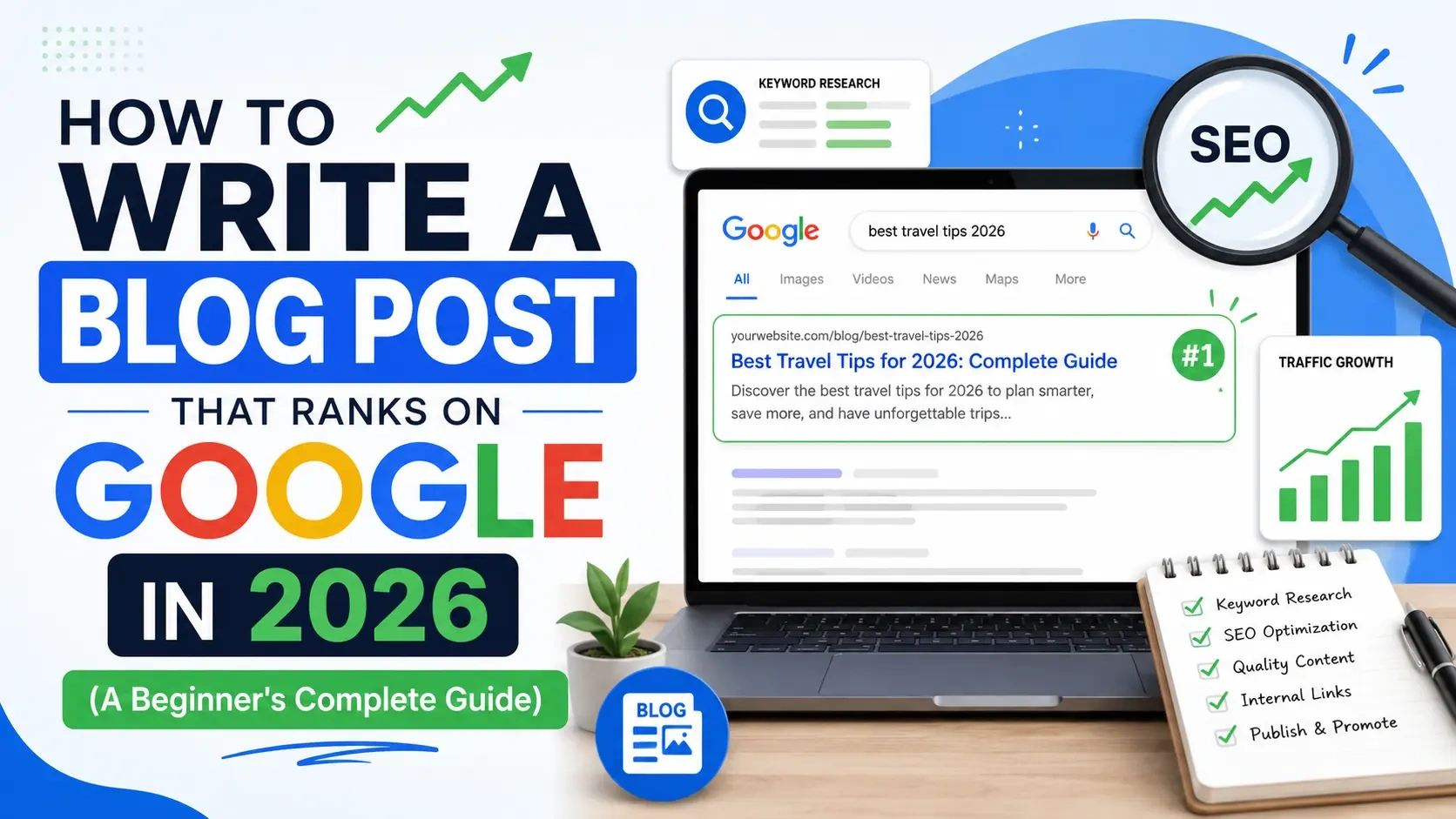
Writing a blog post that ranks on Google isn't magic. It's a process — and once you understand how that process works, you can repeat it for every post you publish.
This guide walks through everything from choosing what to write about, to structuring the post, to the on-page SEO details that most beginners miss. No prior SEO experience needed.
Step 1: Start With Keyword Research
Before you write a single word, you need to know what people are actually searching for.
A keyword is the phrase someone types into Google. Your goal is to write content that matches what real people search for and answers their question better than the existing results.
Free keyword research tools:
- Google Search itself — Type a topic into Google and look at the "People also ask" section and the related searches at the bottom. These are real questions people have.
- AnswerThePublic — Shows questions and phrases people search for around any topic
- Ubersuggest (free tier) — Shows search volume estimates
- Google Keyword Planner — Requires a free Google Ads account
What to look for:
- Keywords with meaningful search volume (enough people are searching)
- Keywords where you can realistically compete (not dominated by massive sites with thousands of backlinks)
- Keywords with clear user intent (what does the person searching this actually want?)
For a new blog, target "long-tail keywords" — longer, more specific phrases with lower competition. "Best budget laptops for students UK 2026" is easier to rank for than "best laptops."
Step 2: Understand Search Intent
Search intent is the single most important concept in modern SEO.
When someone searches a keyword, they have a specific goal. Google is excellent at understanding intent — and it rewards content that perfectly matches it.
The four main intents:
- Informational: "How does X work" — They want to learn something
- Navigational: "Amazon login" — They want to find a specific page
- Commercial: "Best X for Y" — They're researching before buying
- Transactional: "Buy X" — They're ready to purchase
Before writing, search your target keyword and look at the top results. What type of content ranks? Is it list posts? How-to guides? Product reviews? That tells you what Google thinks searchers want — match it.
Step 3: Plan Your Structure
Good structure serves two purposes: it helps readers navigate your content, and it helps Google understand what your page is about.
A standard blog post structure:
- Title (H1) — Contains the main keyword
- Introduction — Hooks the reader, briefly previews what they'll learn
- Main sections (H2 headings) — Each covering a distinct aspect of the topic
- Subsections (H3 headings) — Breaking down complex sections further
- Conclusion — Summarizes key points, often includes a call to action
Use your keyword naturally in the introduction, in at least one H2 heading, and throughout the body text. Don't force it — write for humans first.
Step 4: Write the Content
Now you actually write.
Write a compelling introduction first. The first 100 words determine whether someone keeps reading. Address the reader's problem directly, promise a solution, and avoid throat-clearing preamble ("In this article, I'm going to explain...").
Use short paragraphs. Online reading is different from book reading. 2–3 sentences per paragraph maximum. White space is your friend.
Be specific. Vague advice ("eat better, exercise more") is forgettable. Specific, actionable guidance ("set up an automatic $200 transfer to savings on payday") is valuable and shareable.
Write at the right length. Longer posts (1,500–2,500 words) tend to rank better for competitive keywords because they can cover topics more comprehensively. But don't pad — every paragraph should earn its place.
Link to other relevant posts on your site (internal links) and to authoritative sources where appropriate (external links). Both improve SEO and help readers.
Step 5: Optimize Your Title Tag and Meta Description
The title tag and meta description are what people see in Google search results. They're your first impression.
Title tag best practices:
- Include your main keyword, ideally near the beginning
- Keep it under 60 characters (or it gets cut off)
- Make it compelling — it competes with everything else on the page
- Add a year if it's a current guide ("2026")
Meta description best practices:
- 150–160 characters
- Include the keyword naturally
- Include a value proposition — what will they get from reading?
- Think of it as an ad for your content
Example:
- Title: How to Improve Your Credit Score Fast in 2026: 7 Proven Steps
- Meta: Want to boost your credit score quickly? These 7 real, actionable steps help you improve your score — no gimmicks, no confusion. Start today.
Step 6: Write an SEO-Friendly URL (Slug)
Keep your slug short and keyword-focused.
- Good: /how-to-improve-credit-score-fast-2026
- Bad: /blog/post?id=294857 or /how-to-improve-your-credit-score-in-the-fastest-way-possible-in-2026
Remove filler words (a, the, in, of) and hyphens replace spaces. Lowercase only.
Step 7: Add and Optimize Images
Every post should have at least one image. Images break up text, illustrate points, and improve time on page — which is a positive ranking signal.
Image SEO checklist:
- Use descriptive file names (improve-credit-score-tips.jpg, not IMG_3847.jpg)
- Add alt text describing what the image shows — include your keyword if it fits naturally
- Compress images before uploading (tools like TinyPNG are free) — large images slow page load speed, which hurts rankings
Step 8: Publish, Then Promote
Publishing is not the finish line.
After publishing:
- Share to relevant social platforms
- Send to your email list if you have one
- Link to the new post from relevant older posts on your site (internal linking)
- Consider sharing in relevant communities (subreddits, Facebook groups, LinkedIn groups) where self-promotion is allowed
And then: be patient. New content typically takes 3–6 months to reach its ranking potential as Google indexes it, evaluates engagement, and compares it to competing pages.
What Google Actually Rewards in 2026
Google's algorithm rewards content that:
- Genuinely helps the person who searched
- Is written by someone with real knowledge (or links to authoritative sources)
- Is well-structured and easy to read
- Loads fast on mobile devices
- Earns backlinks from other reputable sites (this comes with time and quality)
The shortcut is this: write the best possible answer to the searcher's question. Everything else is secondary.
Final Thoughts
Ranking on Google takes patience and consistency. One post rarely changes your traffic. A library of 30–50 well-optimized, genuinely useful posts starts to compound — pages linking to each other, building authority together.
Start with one post. Use this process. Publish it. Then write the next one.

The Editorial Team
We are a collective of tech enthusiasts and digital experts dedicated to making sense of the evolving digital landscape for our global audience.
Connect With Us

0 Perspectives