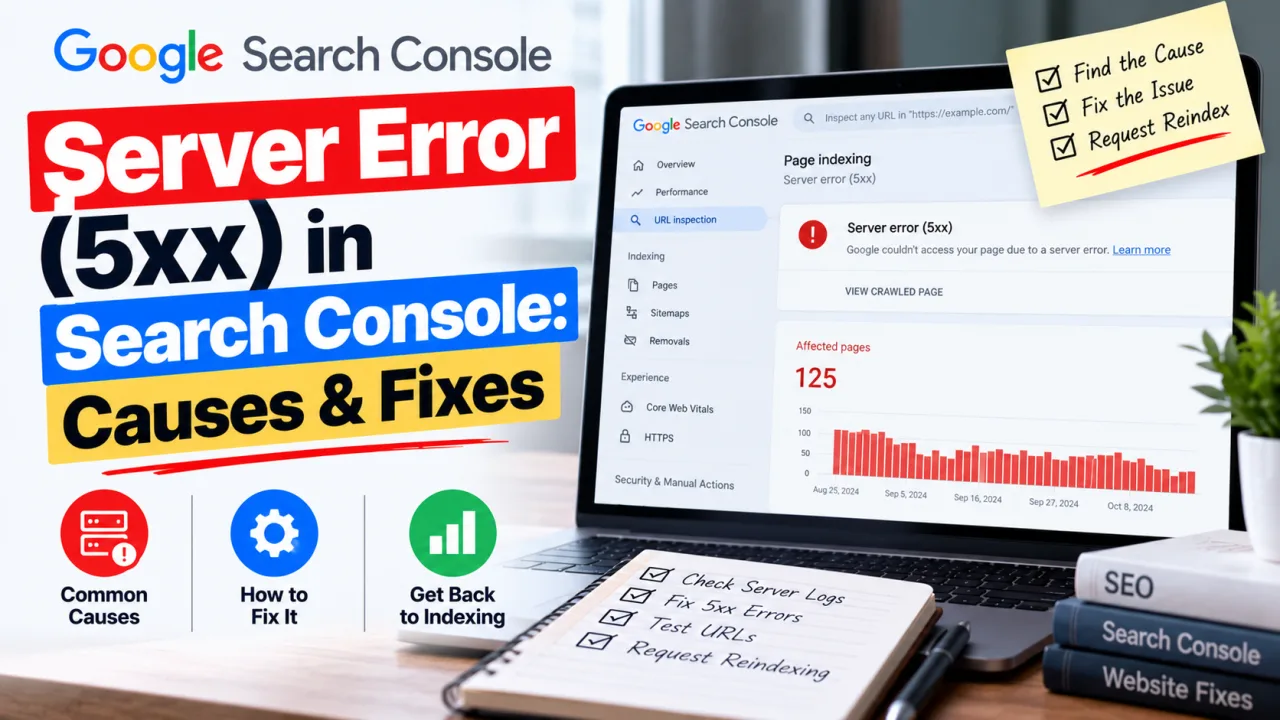
I found the problem in Search Console, not on the site. The Pages report had a "Server error (5xx)" entry listing URLs I had never created. Every one of them started with /search?q= and carried a long string of junk: promotional domain names, "how to hack an account" headlines, ID-lookup phrases, a few lines of Chinese. None of it had anything to do with a site about SEO and web tools.
Nobody had broken in. Someone had simply noticed that my search box would accept anything. If your site has a search page, whether it runs on plain PHP, CodeIgniter, Laravel or WordPress, the same thing can happen to you. This is what was going on and how I closed it off.
What internal search spam actually is
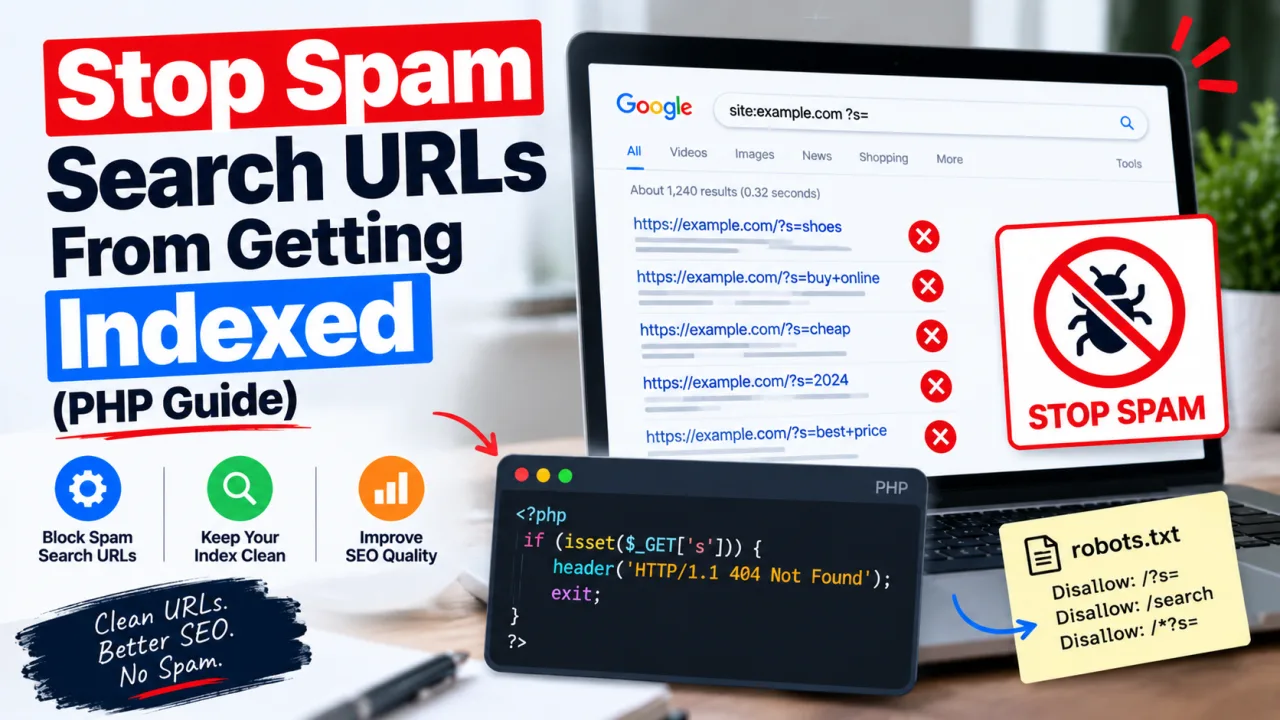
Your search page takes whatever is in the q parameter, runs it, and prints a results page. Spammers feed it queries that are really advertisements, then publish those URLs elsewhere (comment sections, forums, link lists) so Googlebot finds them. If your template echoes the query back into the page title or a heading, their text now sits on your domain, borrowing your site's reputation.
The damage is mostly indirect. You get a pile of thin pages competing for crawl attention, strange entries in Search Console, and, if the template doesn't escape its output, a genuine XSS hole. None of this is a penalty on its own, but it's clutter you didn't ask for and a security problem you do want to fix.
Step 1: Confirm it's happening
In Search Console, open Indexing > Pages and click through each status, including "Server error (5xx)", "Crawled – currently not indexed" and "Blocked by robots.txt". Look at the example URLs. If you see /search?q= followed by text you didn't write, that's the pattern.
Your server logs are more reliable, because they show everything and not just what Google chose to report:
bash
grep "GET /search" access.log | awk '{print $1}' | sort | uniq -c | sort -rn | head
That lists the IP addresses hitting your search page most often. A handful of addresses sending hundreds of very long queries is not reader behaviour.
Step 2: Escape everything you print
Never echo the query raw. Escape it at the point of output:
php
// CodeIgniter 4 (in a view)


// CodeIgniter 3


// Plain PHP
Then ask whether the query needs to appear in the
or the H1 at all. A heading like "Results for [whatever the URL says]" hands spammers a free ad slot. A fixed title such as "Search" gives them nothing to work with.
Step 3: Reject junk before it reaches the template
Real search queries are short. A reader types a few words. Spam is long and full of links. You can use that difference.
CodeIgniter 4:
php
request->getGet('q'));

        // Real queries are short; junk usually isn't.
        if (mb_strlen($q) > 80 || preg_match('~https?://|www\.~i', $q)) {
            throw PageNotFoundException::forPageNotFound();
        }

        $this->response->setHeader('X-Robots-Tag', 'noindex, follow');

        return view('search', [
            'query'   => $q,
            'results' => $q === '' ? [] : $this->runSearch($q),
        ]);
    }
}
CodeIgniter 3:
php
public function index()
{
    $q = trim((string) $this->input->get('q', TRUE));

    if (mb_strlen($q) > 80 || preg_match('~https?://|www\.~i', $q)) {
        show_404();
    }

    $this->output->set_header('X-Robots-Tag: noindex, follow');
    // ... run the search and load the view
}
Adjust the 80-character limit to suit your audience. Why a 404 instead of an empty results page? Google drops 404s on its own. A 200 page that says "no results" is still a page, and it still piles up.
Step 4: Noindex the search page
Search result pages have no business being in Google. The header in the code above does the job. If you'd rather do it in the template, add this to the
:
html
Either one is enough. You don't need both.
Step 5: Watch the robots.txt order
This is where I got it wrong at first. My instinct was to add Disallow: /search to robots.txt straight away. It feels like the obvious fix, and it has a catch: robots.txt stops Google from fetching the page, and a page Google can't fetch is a page whose noindex tag it can't read. URLs it already knew about can linger in the index as "Indexed, though blocked by robots.txt", with no description, for a long time.
The order that works:
- Ship the 404 handling and the noindex first, while
/searchis still crawlable. - Give Google time to recrawl. The junk URLs drop out gradually.
- Only then, if you want to save crawl effort, add
Disallow: /search. On a small site it's perfectly fine to leave the page crawlable with noindex permanently.
If you've already blocked it, remove the Disallow line for now so Google can see the noindex, and put it back once the URLs are gone.
Step 6: Speed up the cleanup
In Search Console, go to Removals > New request > Temporary removal, choose "Remove all URLs with this prefix", and enter your /search address. That hides everything under it for about six months. Treat it as a stopgap that buys time. The real fix is steps 2 to 5.
Step 7: Make abuse more expensive
If your logs show the same addresses hammering the form, add a rate limit, either in the application or at your firewall or CDN. A rule on /search that blocks very long query strings catches most of this traffic. If the abuse continues, a honeypot field or a simple CAPTCHA on the form is usually enough. Keep the response proportionate to the problem.
Step 8: Check the rest of the site
Search spam alone doesn't mean you were compromised, but it's a good excuse to look. Read through your robots.txt and sitemap for lines you didn't write. Check for folders you don't recognise. Run a quick search:
site:yourdomain.com casino OR pills OR "hack"
and update your framework and dependencies while you're at it.
What to expect afterwards
Search Console moves slowly. Once your fixes are live, open the affected report and click Validate Fix. For the specific "Server error (5xx)" report, our guide to fixing server errors in Search Console covers how validation works and how long it takes.
Quick checklist
- Query output escaped everywhere it's printed
- Query kept out of the title and H1
- Length cap and URL check in the controller, junk returns 404
- noindex sent by header or meta tag
- robots.txt block added only after the noindex has had time to work
- Rate limit or CAPTCHA if the form keeps getting hit
- Rest of the site reviewed
Frequently Asked Questions
Is internal search spam the same as being hacked? No. The spammer isn't getting into your server. They're using a feature that's meant to be public. It can still point to weak input handling, so it's worth auditing the rest of the site.
Should I just remove the search feature? If almost nobody uses it, removing it is the simplest fix. If readers do use it, the steps above keep it and take away the abuse.
Will this hurt my rankings? Not directly, as far as anyone outside Google can tell. The practical cost is wasted crawling, clutter in your reports and a possible security hole, which are all worth fixing anyway.
What's the difference between noindex and a robots.txt block? Noindex tells Google not to list a page it has fetched. A robots.txt block tells Google not to fetch the page at all. Blocking first means Google never sees the noindex, which is why the order in Step 5 matters.
How long until the spam URLs disappear from Google? It varies. Expect weeks rather than days. The Removals tool can hide them sooner while Google catches up.
Do I need to worry about XSS? If your search page prints the query without escaping it, yes. Escaping output is the single most important fix in this guide.

The Editorial Team
We are a collective of tech enthusiasts and digital experts dedicated to making sense of the evolving digital landscape for our global audience.
Connect With Us
0 Perspectives